Article -> Article Details
| Title | What’s New in Ideate Automation 3.4: Streamlining Revit Workflows Like Never Before |
|---|---|
| Category | Business --> Construction |
| Meta Keywords | Revit Automation Tools,Revit Automation Tool,Revit Automation |
| Owner | Ideate Software |
| Description | |
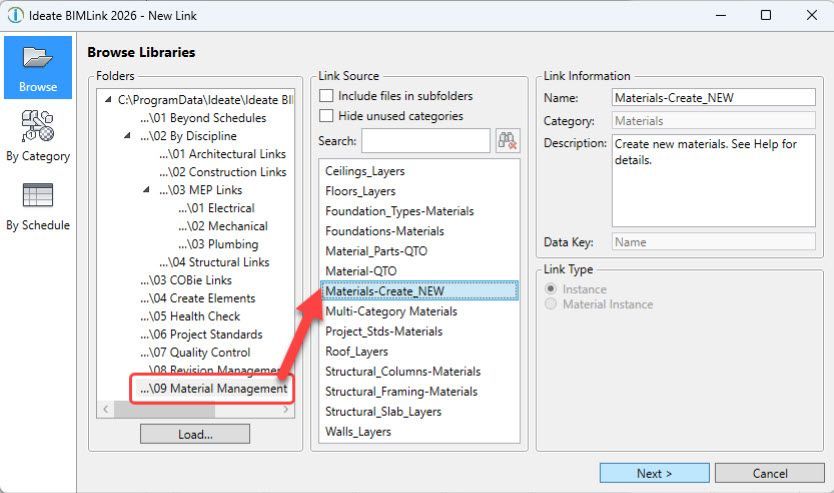
| The release of Ideate Automation 3.4 enhances Revit workflows and is packed with several new features designed to dramatically improve Revit file BIM data parameter management, including localization, enhanced file handling, and powerful batch operations for Revit project and family files. Compatible with Autodesk® Revit® versions 2023–2026, these new capabilities help architecture, engineering, construction, and owner (AECO) teams reduce manual effort, eliminate errors, and streamline repetitive tasks. Glynnis Patterson, Create Solution Line Vice President at Ideate Software, Graitec Group, shared her excitement about the release: "With Ideate Automation 3.4, we’ve taken another big step toward simplifying complex Revit workflows. These new features empower our users to save time, reduce errors, and focus on what they do best in designing and delivering exceptional projects." Key Enhancements in Ideate Automation 3.4Now Localized for our clients Globally!Ideate Automation is now localized in French, German, Spanish, Czech, Italian, Polish, Japanese, Korean, and Chinese (simplified)! The software will automatically run in the language set as your Windows language preference, making it more accessible to users worldwide. 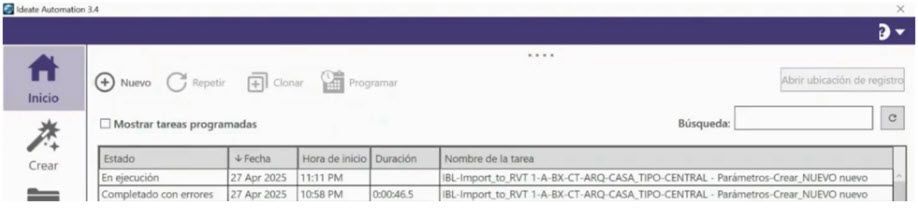 Popup SuppressionIdeate Automation now includes the ability to suppress non-Revit popups during file open, such as those triggered by Autodesk Desktop Connector. This enhancement ensures a smoother and more reliable automation process by preventing interruptions that would otherwise require manual dismissal, helping tasks run unattended from start to finish. Open Revit Files by File NameBy popular demand, you can now open Revit files directly by specifying the file name through the user interface. This eliminates the need to build a task, simplifying workflows, and saving time. 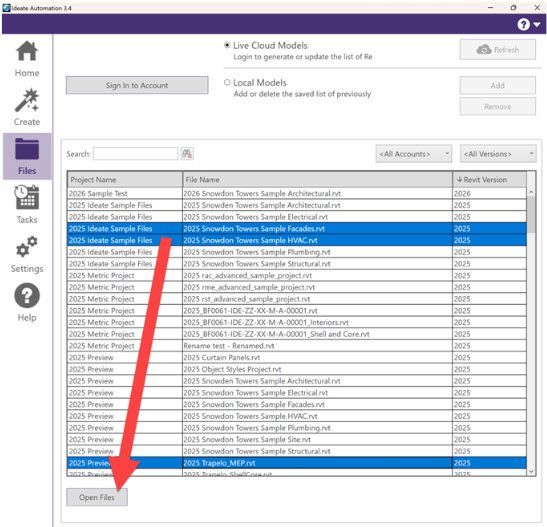 Open Any File FormatThe new script, “AUT-Open_Files,” allows you to open a variety of file formats, including Adobe InDesign, Microsoft PowerBI, AutoCAD, and NWC files. This feature expands Ideate Automation’s utility beyond Revit, making it a versatile tool for your entire project ecosystem. 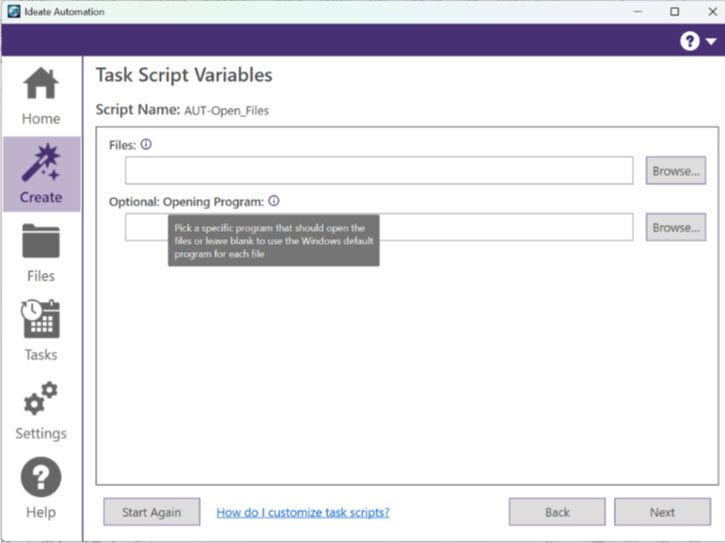 Export with Custom File NamingThe new “NUM-Export_DWG” script addresses Revit’s limitations in custom file naming. By leveraging Ideate ReNumber, you can now automate exports with predefined naming rules that comply with industry standards like ISO 19650. For example, DWG exports can automatically include sheet numbers, sheet names, and discipline codes (e.g., A101_Cover Page_ARCH.dwg). This feature eliminates manual renaming, ensuring consistency, and saving time. Learn more about this feature HERE! New Data Management Folder for Bulk UpdatesWe’ve added a NEW Data Management folder to support bulk parameter creation and BIMLink data import for updates across multiple Revit families (RFA) and projects (RVT). You now have robust tools to manage parameters and update data at scale. Batch Create and Update Parameters – RFAAutomate the bulk creation and updating of parameters in Revit Family (.RFA) files. By managing data in Excel with Ideate BIMLink and importing it via Ideate Automation, you can accelerate family parameter setup, reduce errors, and ensure accurate scheduling. Batch Create Elements and Update Parameter Values – RVTThis feature enables bulk creation of elements and editing of parameter values across multiple Revit Project (.RVT) files. It ensures consistency and saves time by automating updates to project data without manual intervention. Learn more about this feature HERE!
| |